Create an Account
No matter if you're a club wanting to organize an event or an athlete wanting to sign up for events, Target Score is free to use software.
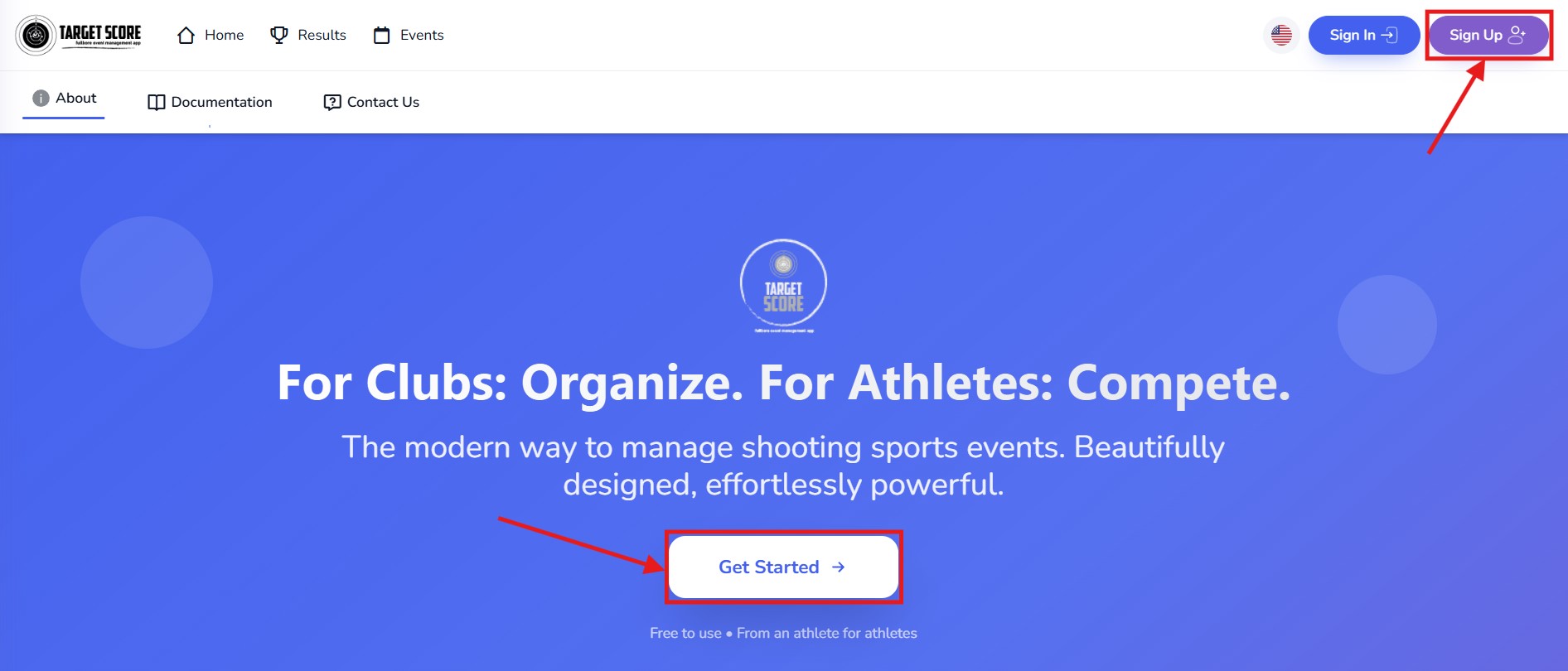
- Go to targetscore.com and click on Sign Up
- Enter your first name, last name, email and password, and click Sign Up
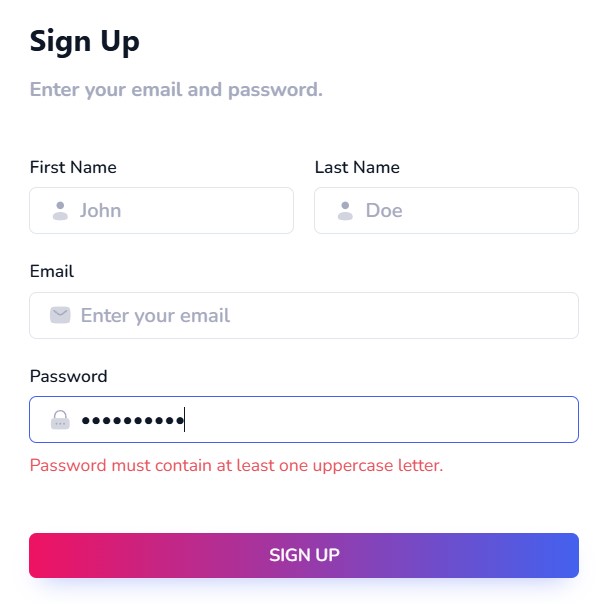
- Must be 8 to 30 characters long.
- Must contain at least one uppercase letter, one lowercase letter and one number.
You can also select Sign up with Facebook instead of entering a password. Your name and email address are taken from your Facebook account.
- We'll send you a confirmation email. In the email, click Verify Email.
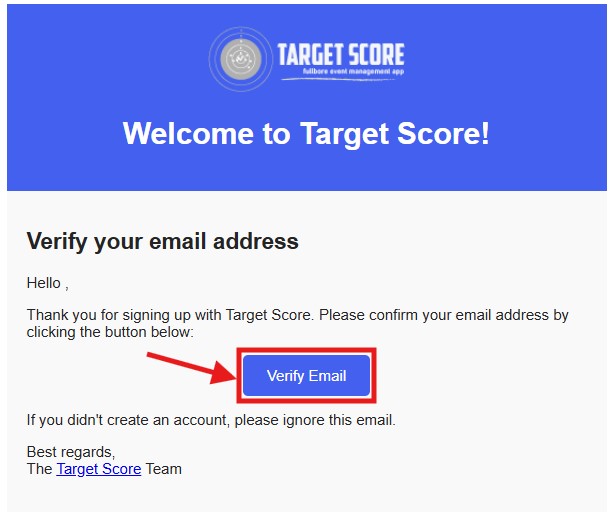
Sometimes, our emails may end up in your junk or spam folders. If you didn’t receive the email, try Resend Verification Email.
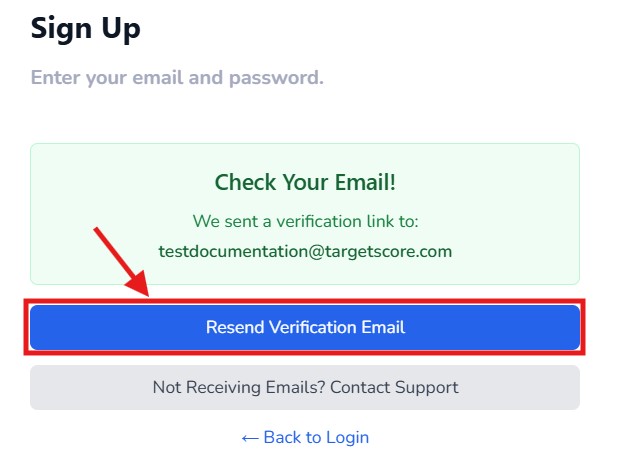
Typed your email wrong? The Verify Your Email page shows the address we sent the email to, with a pencil icon next to it. Click the pencil, enter the correct address and click Save & resend. The confirmation email goes to the new address and your account is updated. This option is available for a short while after you sign up; if it has disappeared, sign in with your email and password and you will be brought back to this page.
If you still haven't received the verification email in 5 minutes. Please send us an email at support@targetscore.com and we'll help you get started.
- Your targetscore.com account is created! Clicking the link in the email signs you in and takes you to Choose Your Profile Type. The Create Athlete and Create Club forms each end with two checkboxes: one to accept the terms and privacy policy, and an optional one to receive product updates, upcoming events and results by email. Leave the second one unticked if you would rather not; you can turn it on later from your profile.
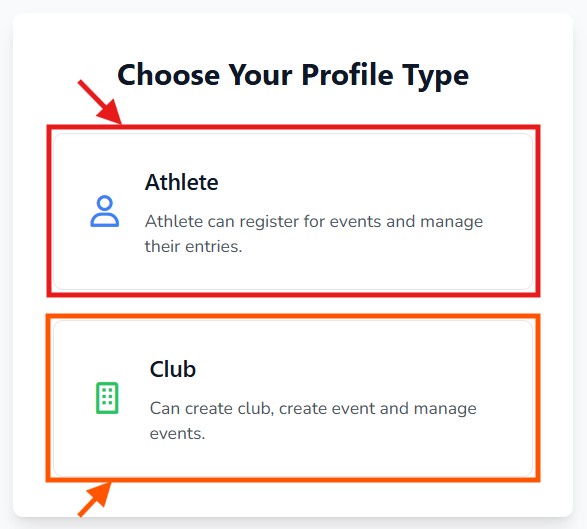
Next Steps:If you're an Athlete and also want to Manage a Club within the same login, you should sign up first as an Athlete and then later Create a Club. The Club profile type is for those who just want to manage a club but never want to sign up for an event to participate.
Sign-in options
Once your account exists, the Login page offers three ways in:
- Email and password: the default. Tick Remember my email to have the address filled in next time.
- Login with email link: click the link under the Sign In button, enter your email and we send you a one-time sign-in link. Opening it signs you in without a password. The link only works for an address that already has an account.
- Continue with Facebook: signs you in with the Facebook account you signed up with.
If you have not verified your email yet, signing in with your password shows a reminder with a Verify Email button that takes you back to the verification page. If the password is wrong, the message offers the email link as an alternative. To set a new password, see Reset Password.
Got a question? Reach out to us at support@targetscore.com or schedule a call.
These might be helpful, too:- I want to manage an existing club. How do I do that? Learn more
- I did signup but didn't finished creating Athlete or Club profile. What do I do next? Learn more
- My verification email never arrived or expired. What do I do? Learn more
- I already have an Athlete profile. How do I create a Club? Learn more
- I want to reset my password. Learn more